
Fixing Raspberry Pi Power Issues

How to prevent under-powering problems with your DisplayHUB encoder

Why Your Raspberry Pi May Be Under-Powered

The Raspberry Pi inside your DisplayHUB encoder relies on a stable power supply to handle video encoding, overlays, and streaming. If the power supply or cable cannot deliver enough current, the Pi will not receive the voltage it needs.

When this happens, the system may:

  • Throttle CPU and GPU performance
  • Show low-voltage warnings
  • Cause video encoding instability
  • Randomly freeze, reboot, or drop streams

Under-powering is one of the most common causes of instability in Raspberry Pi systems and is usually easy to fix.

Common Signs of Low Power

  • Low-voltage warning icon
  • Random encoder reboots
  • USB devices disconnecting
  • Video stuttering or dropped frames

Use a Proper Power Supply

The most important step is using a power supply designed for the Raspberry Pi.

Recommended Power Requirements

  • Raspberry Pi 4: 5V / 3A minimum
  • Raspberry Pi 5: 5V / 5A recommended
  • High-quality USB-C or USB-C PD power adapter
  • Short, thick power cable

Cheap phone chargers or thin cables often cannot supply enough current, even if they claim the correct voltage.

Bad:
  • Cheap phone charger
  • Long thin USB cable
  • Old 2A power supply

Better:
  • Official Raspberry Pi supply
  • Short high-quality cable
  • 3A–5A rated adapter

Check the Power Cable

Even if your power adapter is strong enough, the cable itself can cause voltage drop.

What to Look For

  • Short cable length (ideally under 1 meter)
  • Thicker cable designed for power delivery
  • USB-C cables rated for higher current
  • Avoid very cheap or ultra-thin cables

Voltage drop across a poor cable can cause the Pi to behave as if it is under-powered.
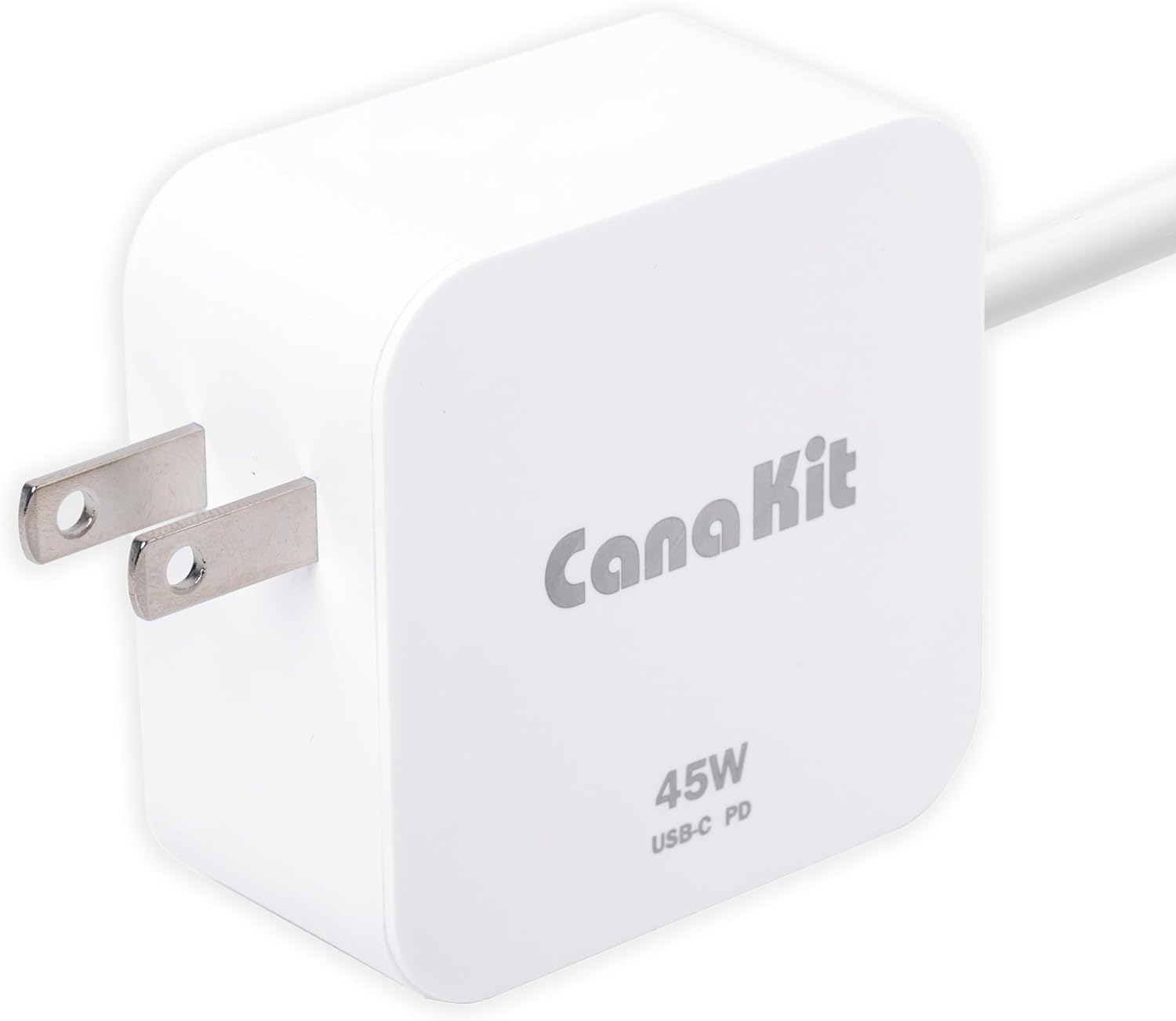
Official Raspberry Pi Power Supply

Reliable power for stable operation


Amazon

Tips & Troubleshooting

Tips

  • Always use a Pi-rated power supply
  • Avoid powering the Pi through random USB hubs
  • Keep cables short and high quality
  • If using PoE, ensure the PoE hat supports enough power

Troubleshooting

  • Low-voltage warning? Replace the power supply first
  • Random reboots? Check both adapter and cable
  • USB devices disconnecting? This is often caused by under-powering
  • Need more help? See the full guide at displayhub.us/encoder-power.