For locations that only need a single input, or one digital-signage source. DisplayHUB AIO runs on one dedicated Android Encoder and sends the same configured source to compatible DisplayHUB players on your local network, without a separate Controller.
Card required. Five days free, then US $9.99/month unless canceled. AIO is a mode of the Android Encoder app, not a separate app. Copy the subscription ID from the confirmation page into AIO Settings.
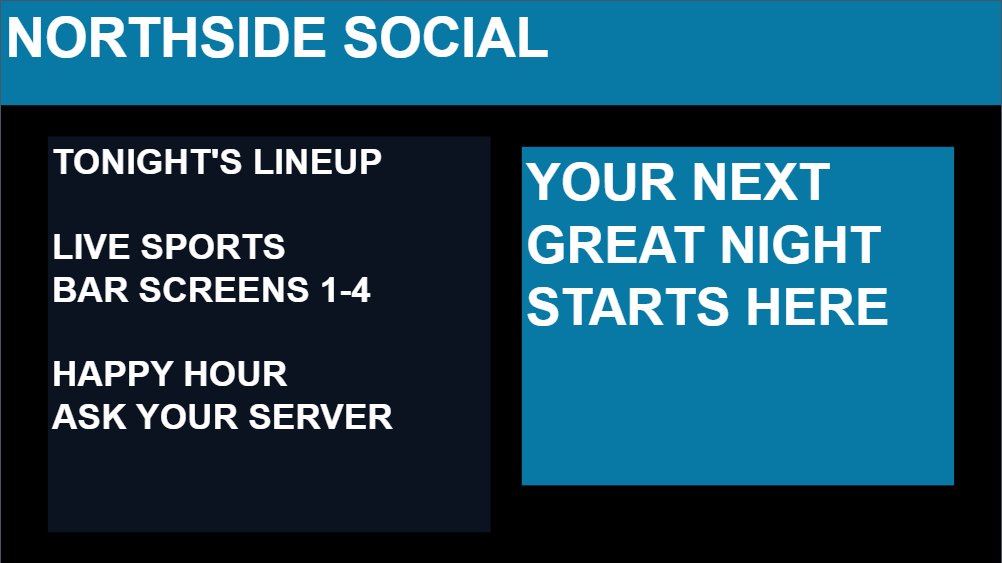
Example venue layout in the editor preview, not a live TV recording. View full screenshot
A simpler solution for one source.
Single-input streaming
Show one authorized source on your compatible screens. Use supported USB HDMI capture, an HDHomeRun tuner channel, a video file, or a direct video URL. AIO discovers players and sends the Encoder's configured input; it is not a multi-input matrix.
HDMI capture requires compatible USB hardware and a powered charging/data hub. Input formats, audio, capture modes, and playback depend on the Android device and player.
Single-source digital signage
The included Overlay Editor adds text, logos, images, slideshows, announcements and supported widgets. Create a menu, promotion or information display on the Encoder and distribute that same composition to compatible screens.
One AIO encoder creates one signage source. Separate simultaneous compositions or additional inputs require the Controller/full system, not another AIO encoder on the same network.
Choose AIO or the full system.
Requirement
DisplayHUB AIO
Controller / full system
Source count
One input or one signage source per network
Multiple independent encoder inputs
Screen content
The same configured source on compatible players
Assign different sources to different screens
Controller hardware
No separate Controller
One separate Controller device per location
Overlay Editor
Included with an active AIO subscription
Available with paid connected Controller licensing
Install the Android Encoder on one dedicated ARM64 Android 8+ device, follow Android permission prompts, and keep it reliably powered.
Open http://ENCODER_IP:8080/ in a browser on the same trusted network. Configure one supported input or signage composition.
Sign up for the five-day AIO free trial. Copy the subscription ID from the confirmation page into AIO Settings and select Activate AIO. A regular Controller subscription is not an AIO plan.
Install and run the DisplayHUB player on each supported screen. Watch discovery progress and confirm video and any enabled audio on the actual screens.
AIO uses WebRTC by default, with HLS-only compatibility mode available. Roku uses buffered HLS. Samsung/Tizen requires its DisplayHUB player to be running and polling port 8081 on the AIO Encoder. Other platform installation and local-control requirements still apply; see the player guides and AIO setup guide.
Use Ethernet where practical, keep the LAN private, and do not port-forward management interfaces. Qualify your exact hardware and source formats before a permanent installation. Use authorized content and any required third-party widget subscriptions.
One network. One AIO source.
Start with single-input streaming or one digital-signage composition. Five days free, then US $9.99/month unless canceled; card required. For additional independent sources, choose the Controller/full system.